How to register a Personal account on the website
Personal Account Registration
Step #1 Registration of a personal account is carried out on the website by following the link: https://my.westernpips.com/register
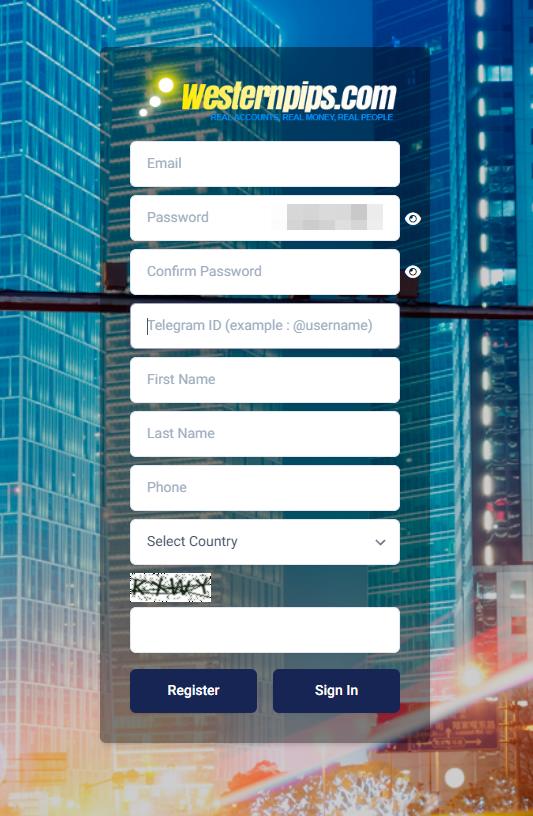
Step #2 To register, you will see a form to fill in the details:
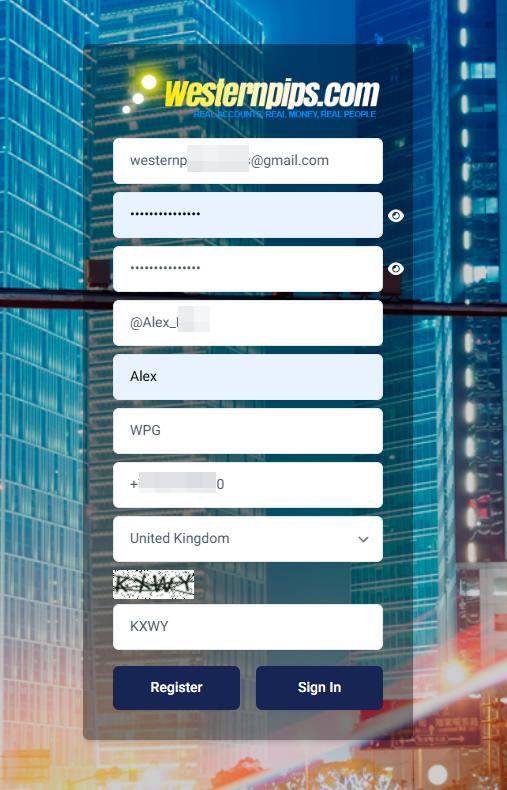
Step #3 Please fill in the relevant information for correct registration
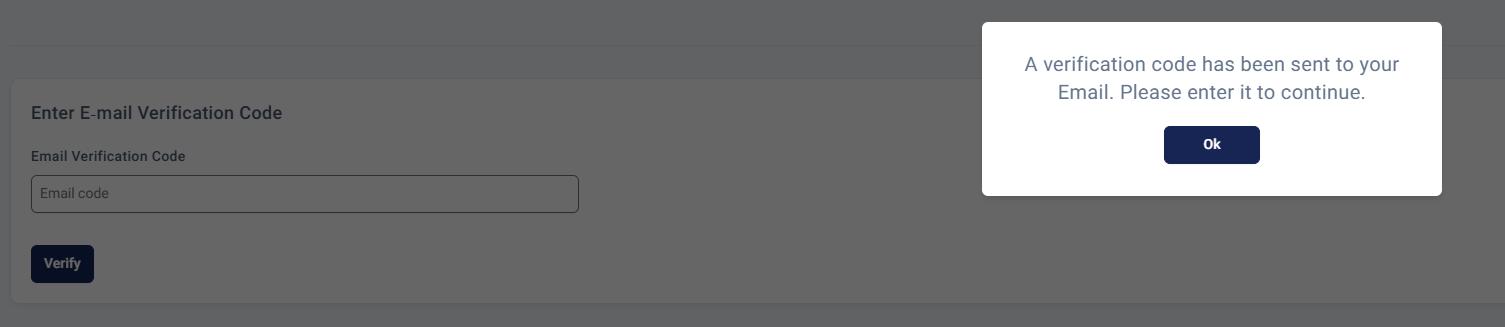
Step #4 After clicking on the registration button, you will receive a verification code by email, which you need to enter in the appropriate field.
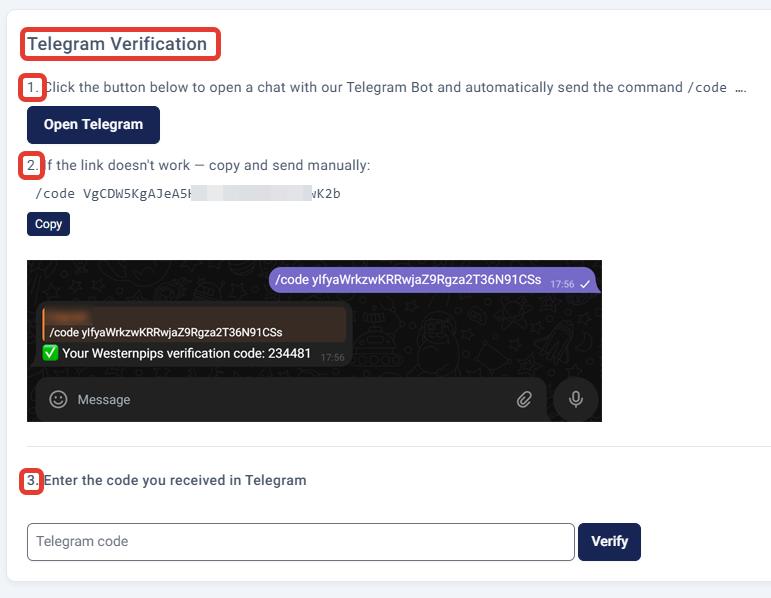
Step #5 After that, you need to verify your Telegram account. Use the 3 hint sections for this:
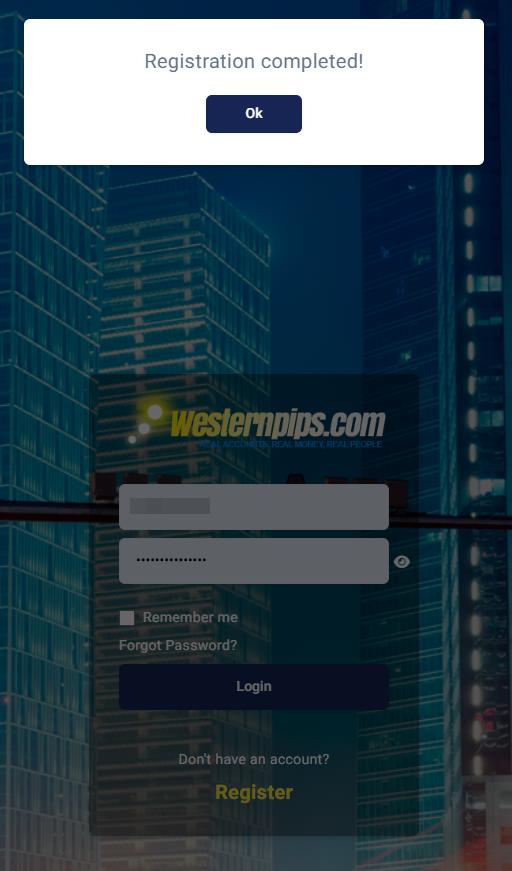
Step #6 Registration completed. You will see a message like this:
Step #7 Next, enter your email address and the password you provided during registration.
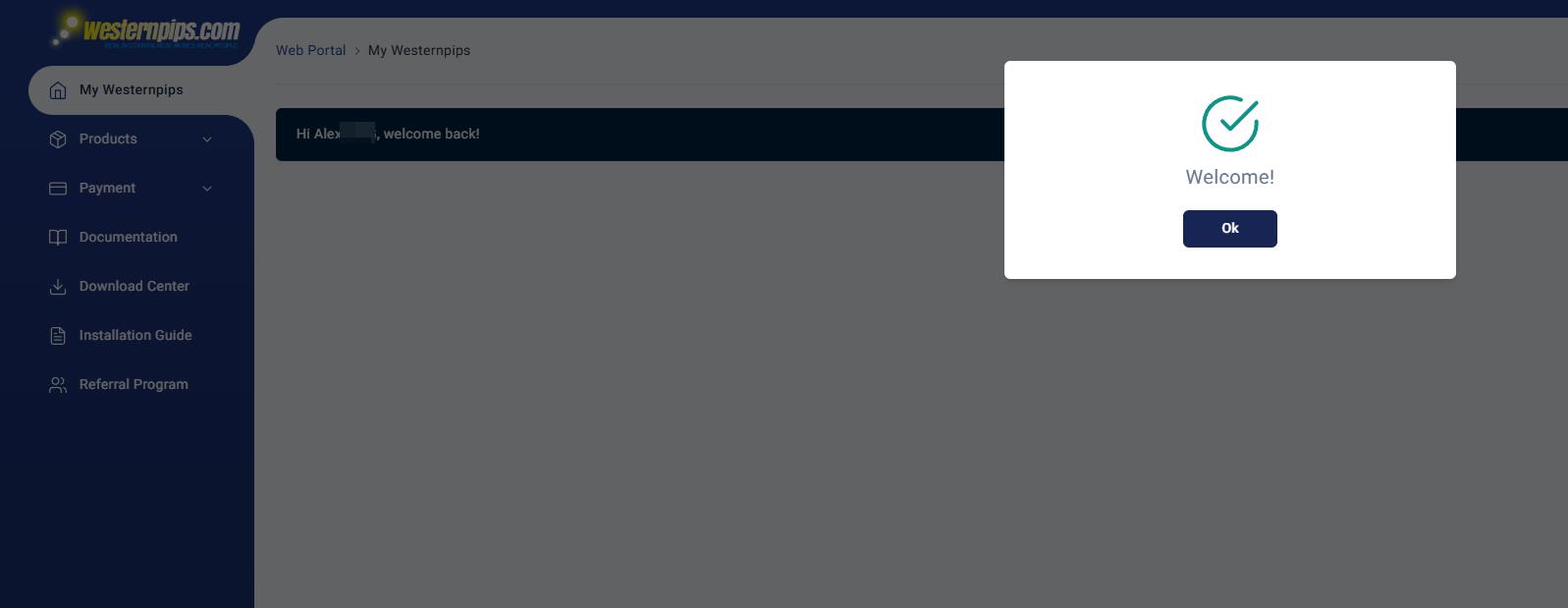
Step #8 That’s all, you are registered in your personal account
You must be logged in to reply to this topic.