Browse available products
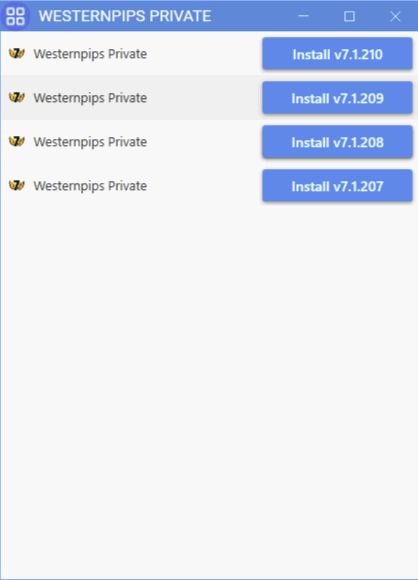
Westernpips Golden Tools 3.5.7 (WGT) Browse tab is showing the list of available products and their actual versions that you can install:
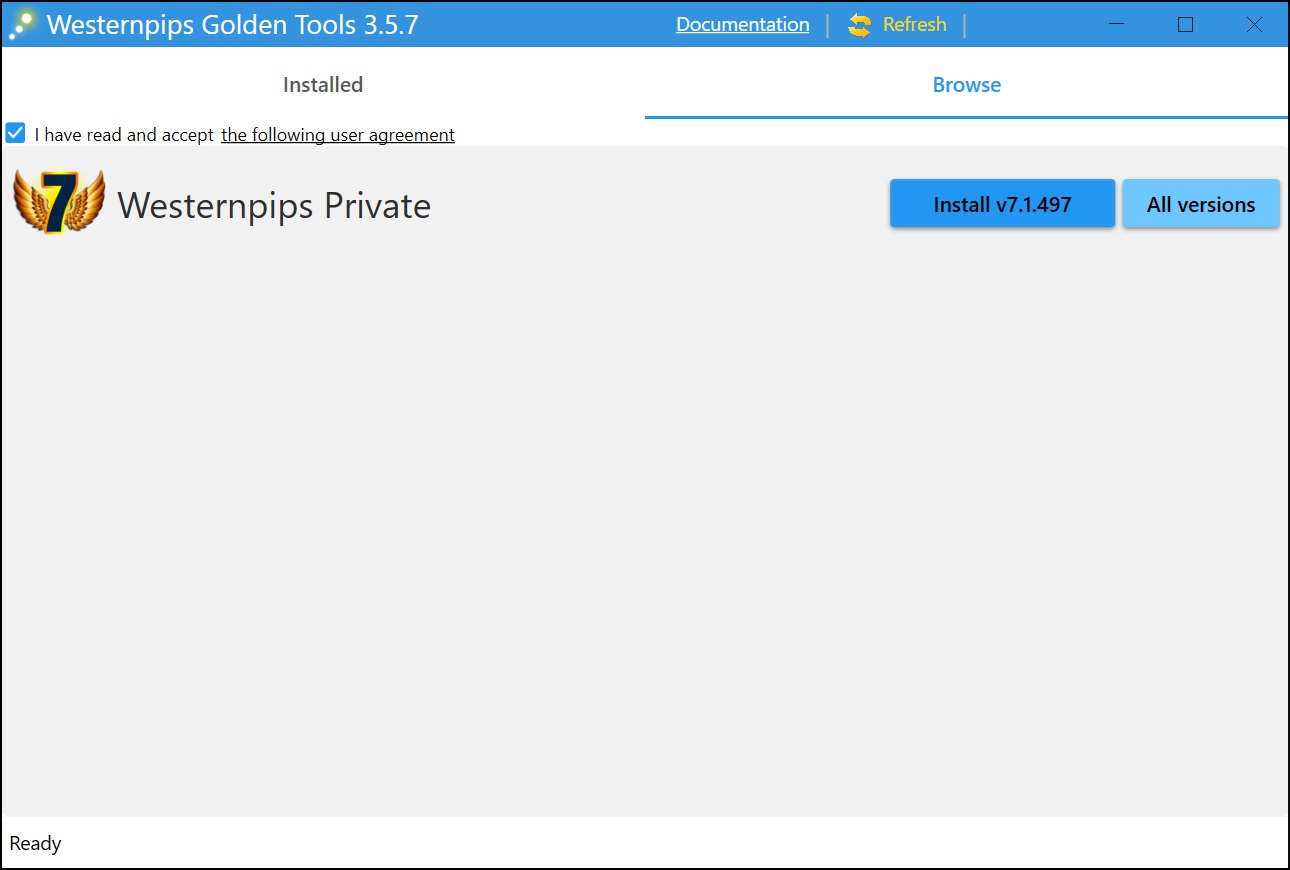
Installing latest version
After clicking on “Install” button for specified product you can select installation folder:
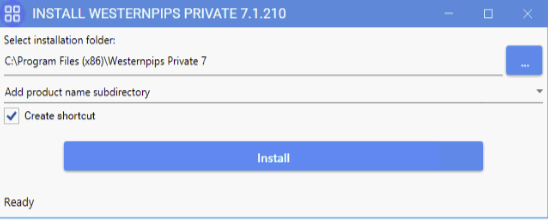
There are several options to create subfolder in specified installation folder:
| Option | Description |
|---|---|
| Don’t add subdirectory | Install directly to specified folder |
| Add product name subdirectory | Create a subfolder with the product name in the specified root folder and install it there. |
| Add product name and version subdirectory | Create a subfolder with the product name and its version in the specified root folder and install it there |
You can always see the final installation folder in the text area.
Create shortcut option will create startup shortcut for the installing product at your desktop.
After clicking on ‘Install’ button you will see download progress:
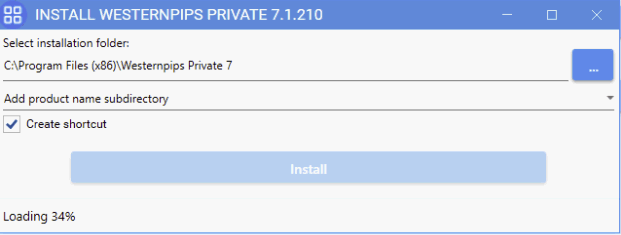
After downloading software will be installed on your computer.
Installing specific version
You can choose specific version to install by clicking ‘All versions’ button at ‘Browse’ WGT tab:
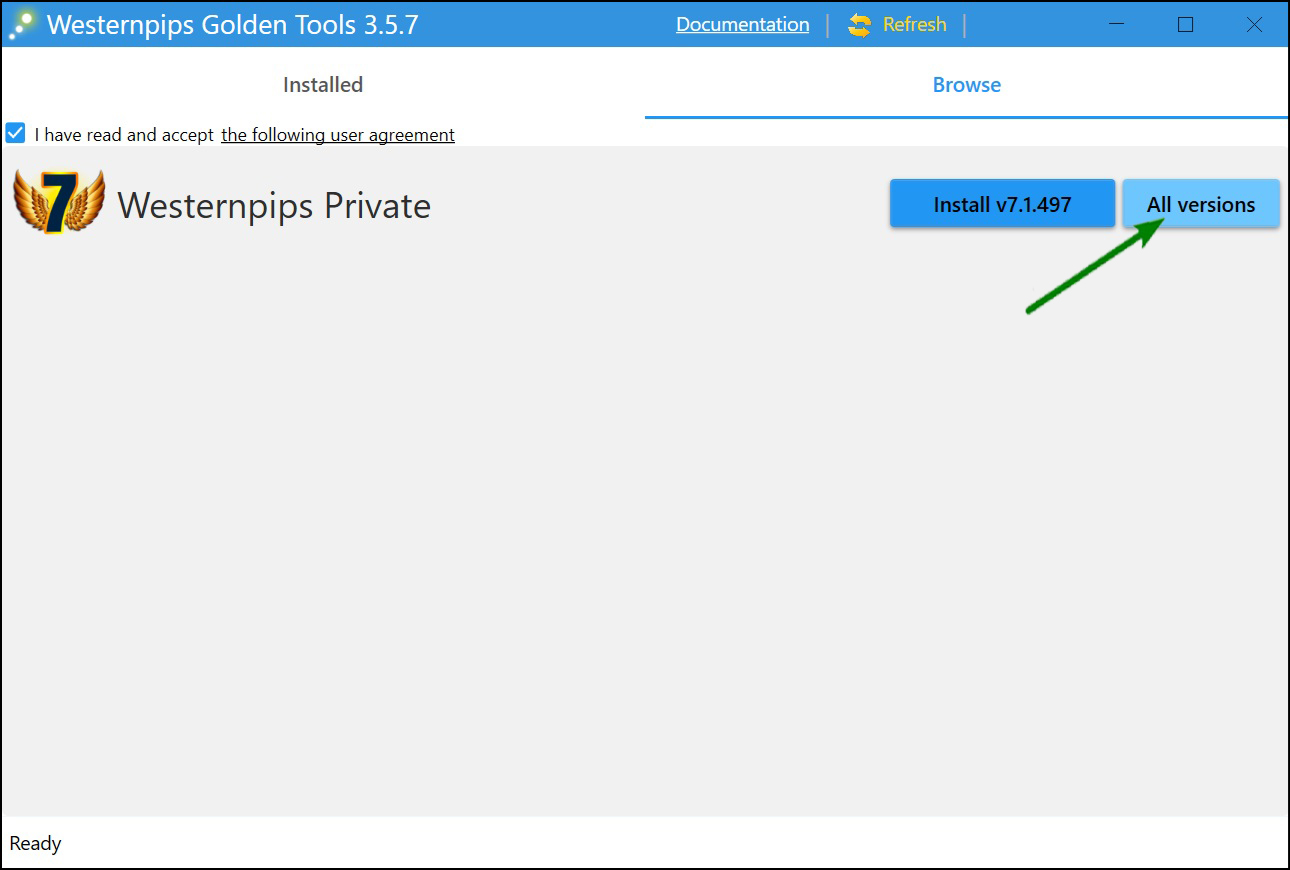
After clicking you will see list of all available versions:
You can install different versions in different folders and then you will have several installed versions on your computer.