You can see installed product and available updates at ‘Installed’ WGT tab:
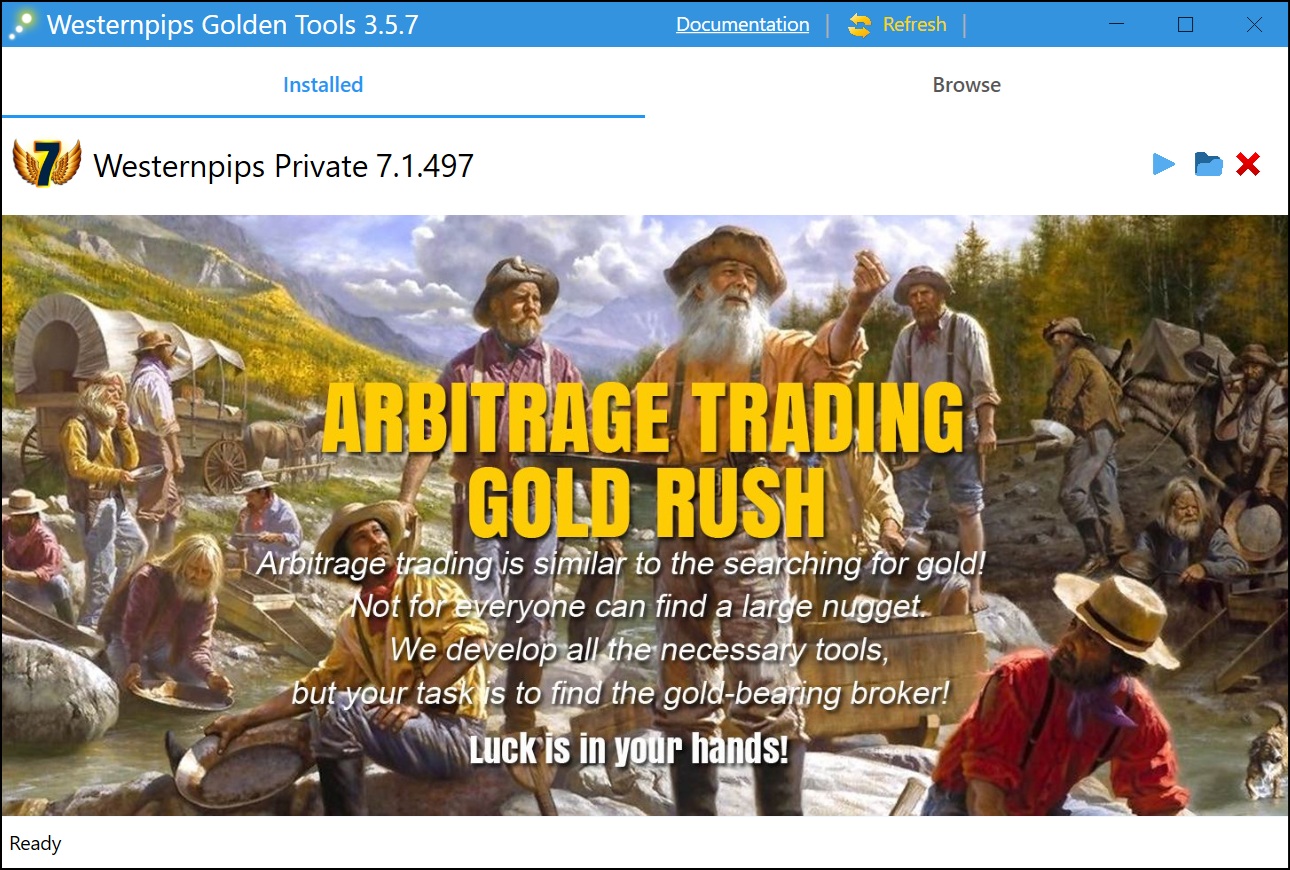
If new version is available for the product you will see “Update” button. You can update product by pressing on it.
You can launch installed product by clicking the ‘Start’ icon.
To open folder with installed product need to use the ‘Folder’ icon .
To remove product you need to use the ‘Delete’ icon.