1. What is WP Agent
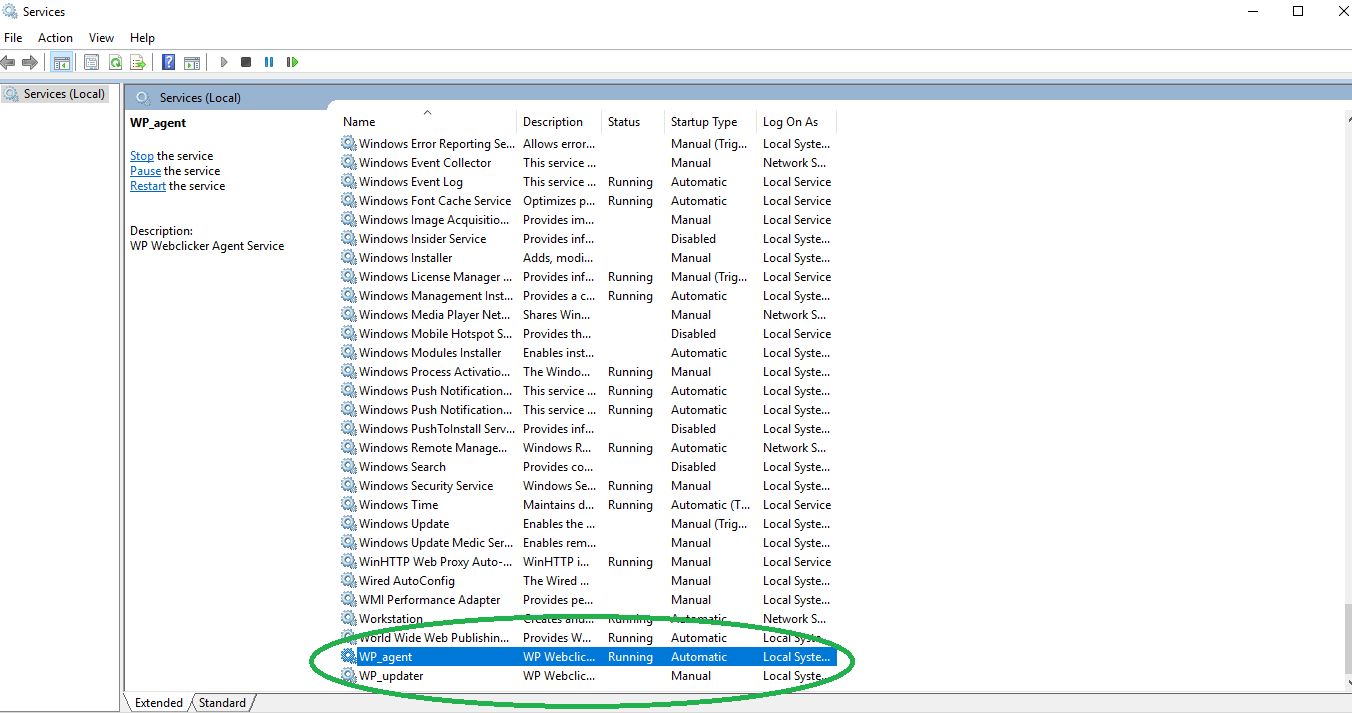
WP Agent is the background WP Webclicker agent installed on Windows as a service and running in the background after installation.Normally, the user does not start it manually: after installation, the WP_agent service starts automatically. The WP_updater service is installed separately and is used for agent updates.
2. What the agent is used for
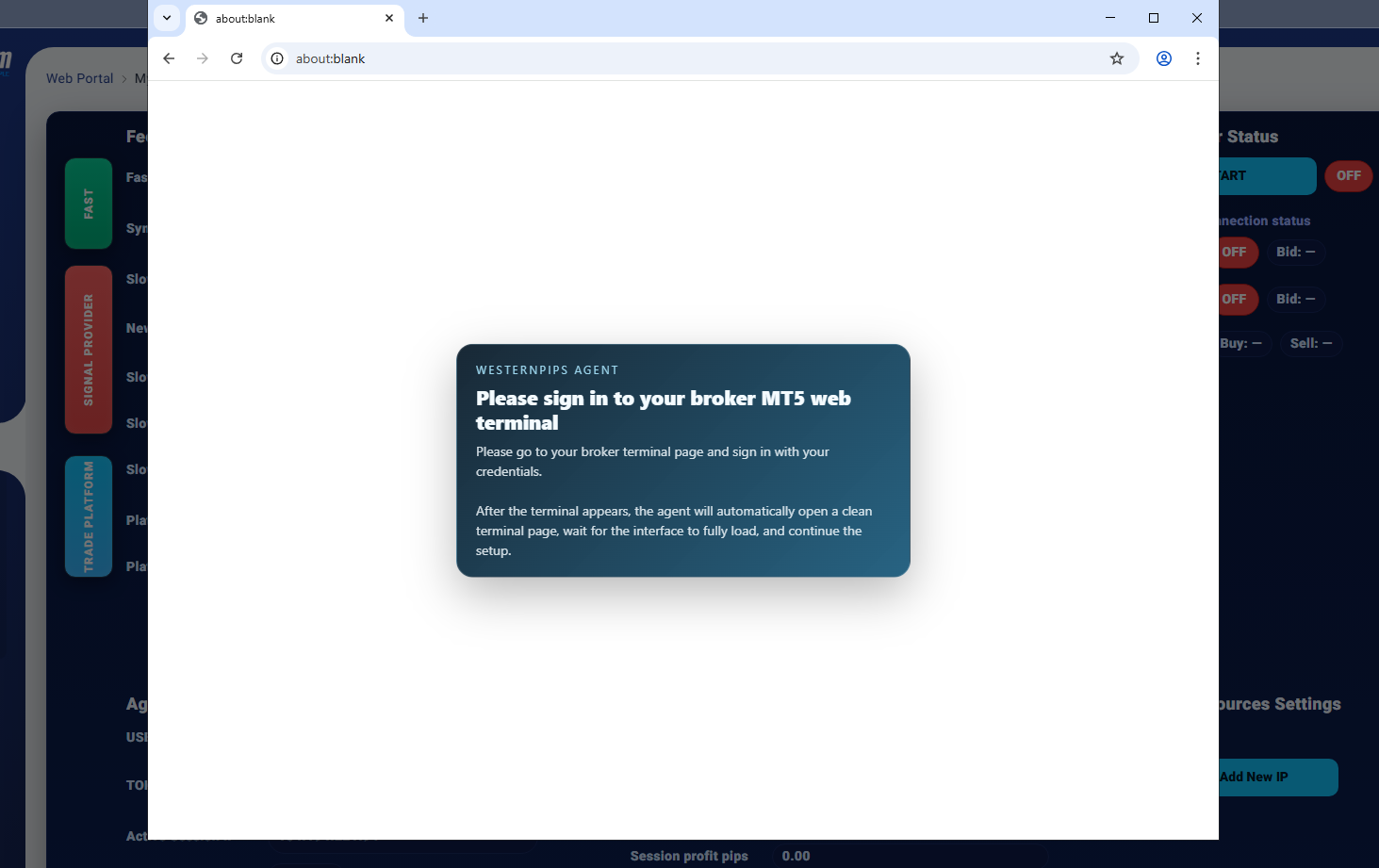
The agent connects your computer to the Westernpips system and performs trading actions through a chrome browser.
The agent uses:
chromedriver.exe from the agent folder;
portable Chromium from chromium\chrome.exe.
By default, ChromeDriver listens on local port .
If the agent runs as a Windows service and visible browser mode is enabled, it tries to launch ChromeDriver in the active user session so the browser window can appear on the user’s desktop.
3. Where the agent files are located
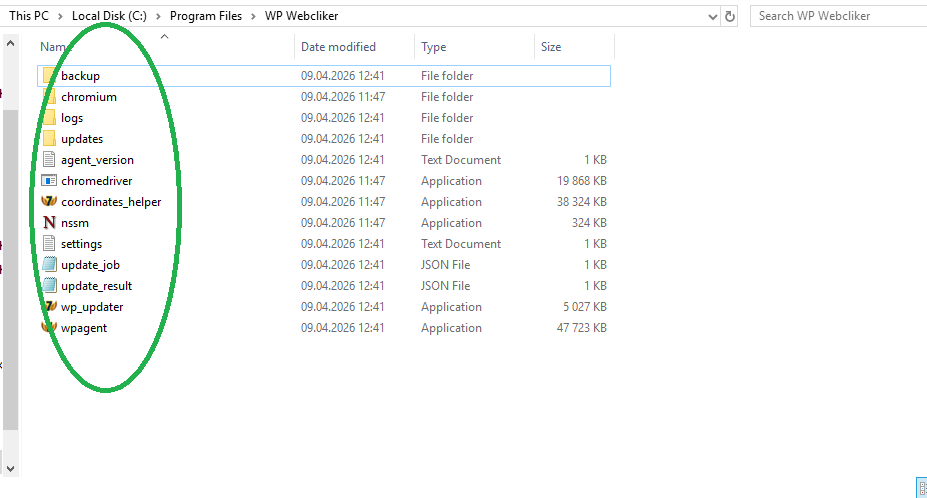
The agent runs from the WP Webclicker installation folder.
This folder typically contains:
wpagent.exe
wp_updater.exe
settings.txt
chromedriver.exe
chromium folder
logs folder
updates folder
backup folder
update_job.json
update_result.json
4. Supported platforms
The current code clearly includes modules for Trade platforms :
5. What the agent does during operation
From the visible functions, the agent can, among other things:
- open the browser and prepare WebDriver;
- open an order ticket;
- set the lot size;
- place a market order;
- read order confirmation;
- close a ticket or close a trade;
- get balance on supported platforms.
6. Agent update process
The agent supports auto-update.
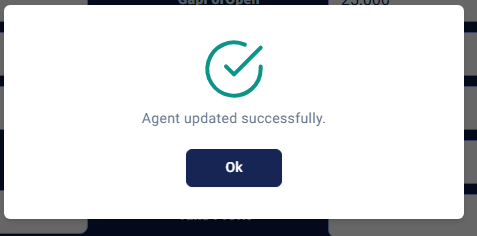
In Agent Settings section will be appear "Update" button .Click here
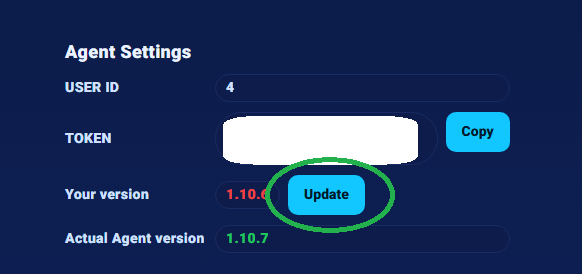
After this wait few minutes

Agent will be updated .
7. What the user should know
In normal use, the user only needs to:
install the agent correctly using WC Installer;
enter the correct User ID and Token;
not delete chromedriver.exe, the chromium folder, settings.txt, or wpagent.exe from the installation folder;
check the logs folder if troubleshooting is needed.
If the agent is not working, first check:
whether the WP_agent service is installed;
whether settings.txt is valid;
whether chromedriver.exe and the chromium folder exist;
whether internet access is available;
whether there are errors in the agent logs.