Options Tab
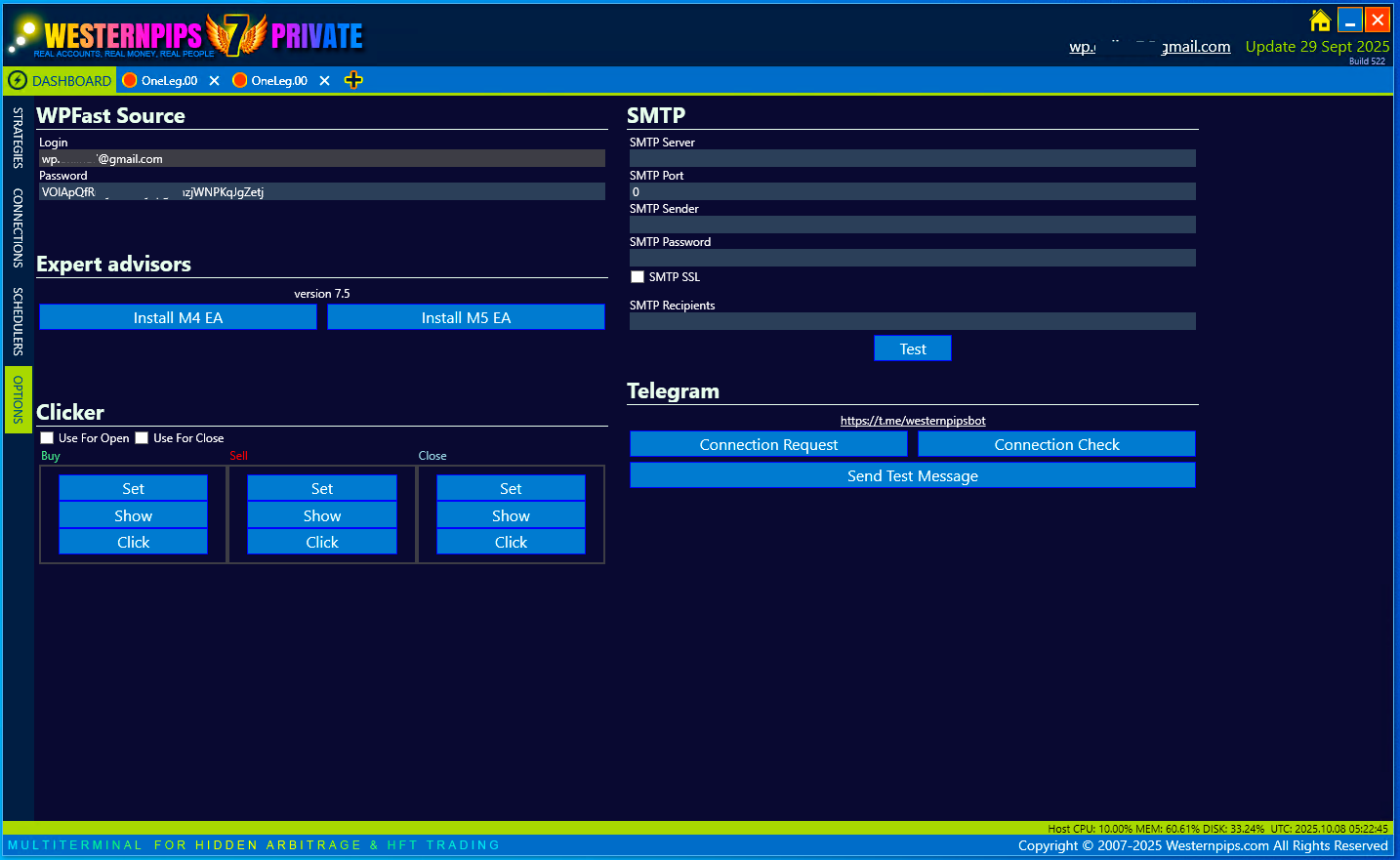
In Options Seaction you can see WPFastSource, Exper Advisor, Clicker, SMTP, Telegram settings blocks.
WPFastSource block:
on WPFastSource block you can set your Login and Password for Get Connection to WPFastSources.
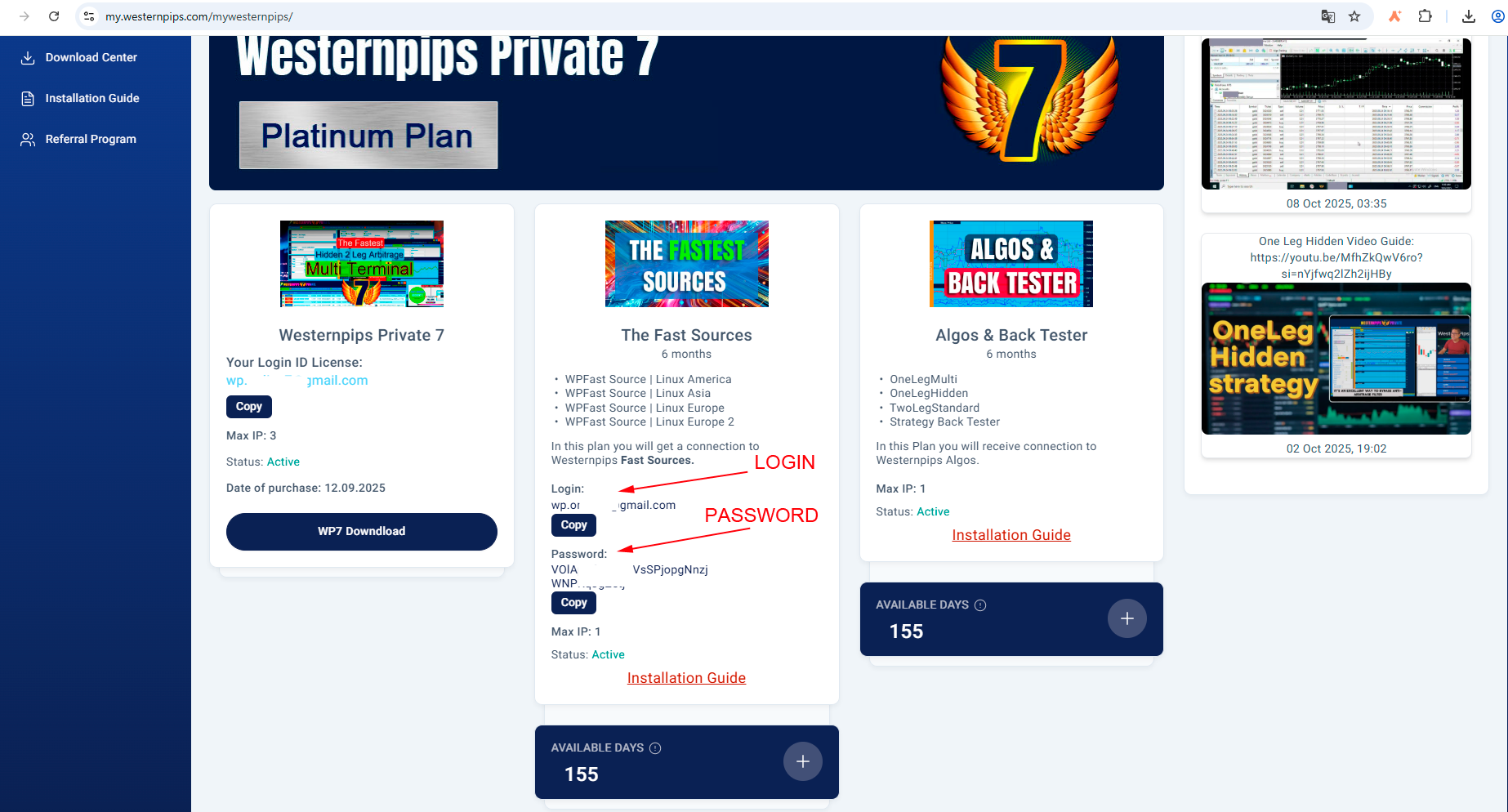
You can find your login and password in Westernpips Web Portal.
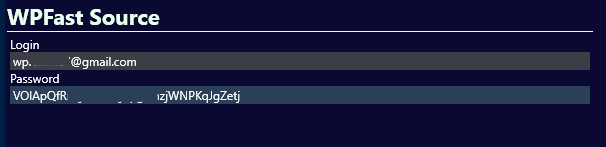
Next you should Enter your FastSource Login in Password here:
How to buy WPFastSources read here
How to set connections to WPFastSources read here
Expert Advisors Block:
on Expert Advisors Block you can connect EA to Westernpips Private 7.

How to Setting up a connection with the Broker Terminal via the EA connector read here
Clicker Block:
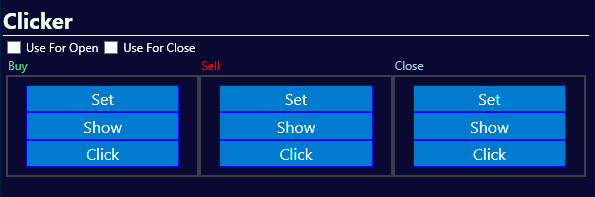
On Clicker Block you can set work via Manual Clicks for Open and Close Trades.
How to use this option you can read here.